Introduction
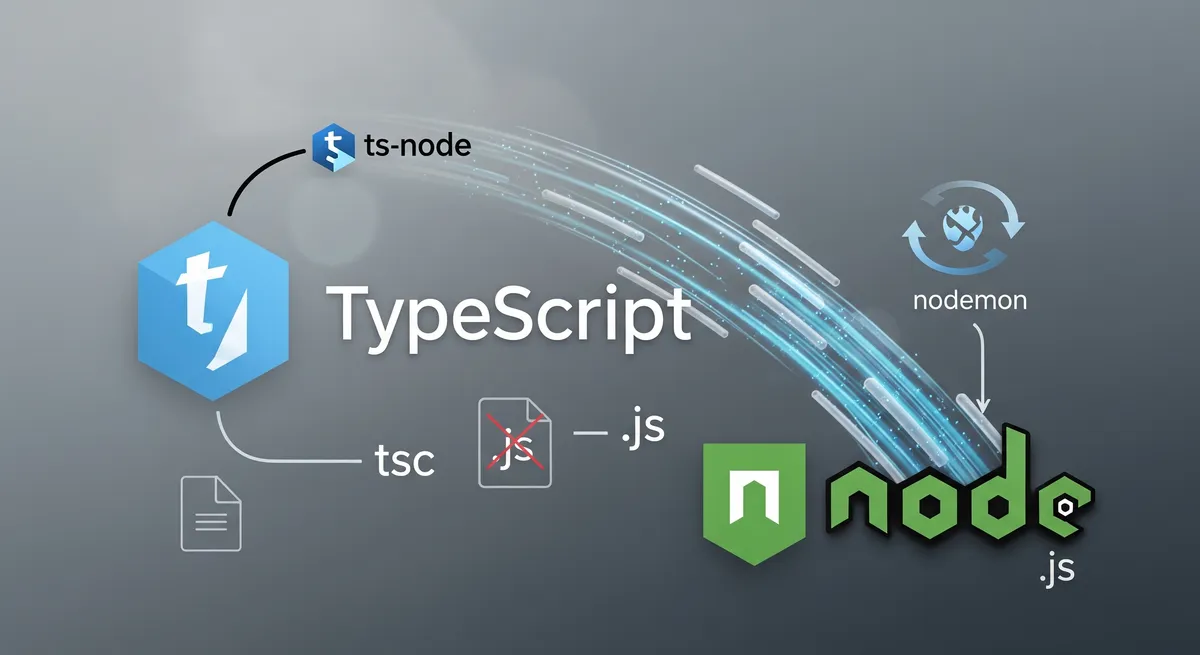
In this post, I will show you how to run TypeScript without compiling it to JavaScript first. This is useful for debugging and testing.
Set up a TypeScript project
Step 1: create a directory
Create a directory for the project.
# Create a directorymkdir run-typescript-without-compiling
# Change directorycd run-typescript-without-compilingStep 2: initialize a Node.js project
Initialize a Node.js project.
# Initialize a Node.js projectyarn init -yStep 3: install TypeScript and @types/node
Install TypeScript and @types/node.
# Install TypeScript and @types/nodeyarn add -D typescript @types/nodeStep 4: initialize a TypeScript project
Initialize a TypeScript project.
# Initialize a TypeScript projectyarn tsc --initStep 5: create a TypeScript file
Create a TypeScript file.
# Create a src directorymkdir src
# Create a TypeScript filetouch src/index.tsStep 6: example code
Add the following code to the TypeScript file.
const sum = (a: number, b: number): number => a + b;const subtract = (a: number, b: number): number => a - b;const multiply = (a: number, b: number): number => a * b;const divide = (a: number, b: number): number => a / b;
console.log(sum(1, 2));console.log(subtract(1, 2));console.log(multiply(1, 2));console.log(divide(1, 2));Step 7: run the TypeScript file
Now, we will install ts-node and run the TypeScript file.
# Install ts-nodeyarn add -D ts-nodeAdd the following code to the package.json file.
{ ... "scripts": { "playground": "ts-node src/index.ts", "playground:watch": "nodemon -e ts -w . -x esr src/index.ts", "build": "tsc", "build:watch": "tsc -w", "build:debug": "tsc --sourceMap", "build:debug:watch": "tsc -w --sourceMap", "start": "node dist/index.js", "start:watch": "nodemon -e js -w dist -x esr dist/index.js" }, ...}Note
nodemon is a utility that will monitor for any changes in your source and
automatically restart your server. You can install it using yarn global add nodemon or npm install -g nodemon.
Run the TypeScript file.
# Run the TypeScript fileyarn playground
# Output3-120.5Conclusion
In this post, I showed how to run TypeScript without first converting it to JavaScript. For testing and troubleshooting, that is helpful.
References
- TypeScript Official Website
- TypeScript Documentation
- ts-node on npm
- ts-node GitHub Repository (TypeStrong/ts-node)
- nodemon on npm
- nodemon Official Website
- Node.js Official Website
- Node.js Documentation
- Yarn Package Manager
- TypeScript
tsconfig.jsonReference - npm
package.jsonGuide @types/nodepackage on npm (for Node.js type definitions)- TypeScript Playground (for quick experiments)